

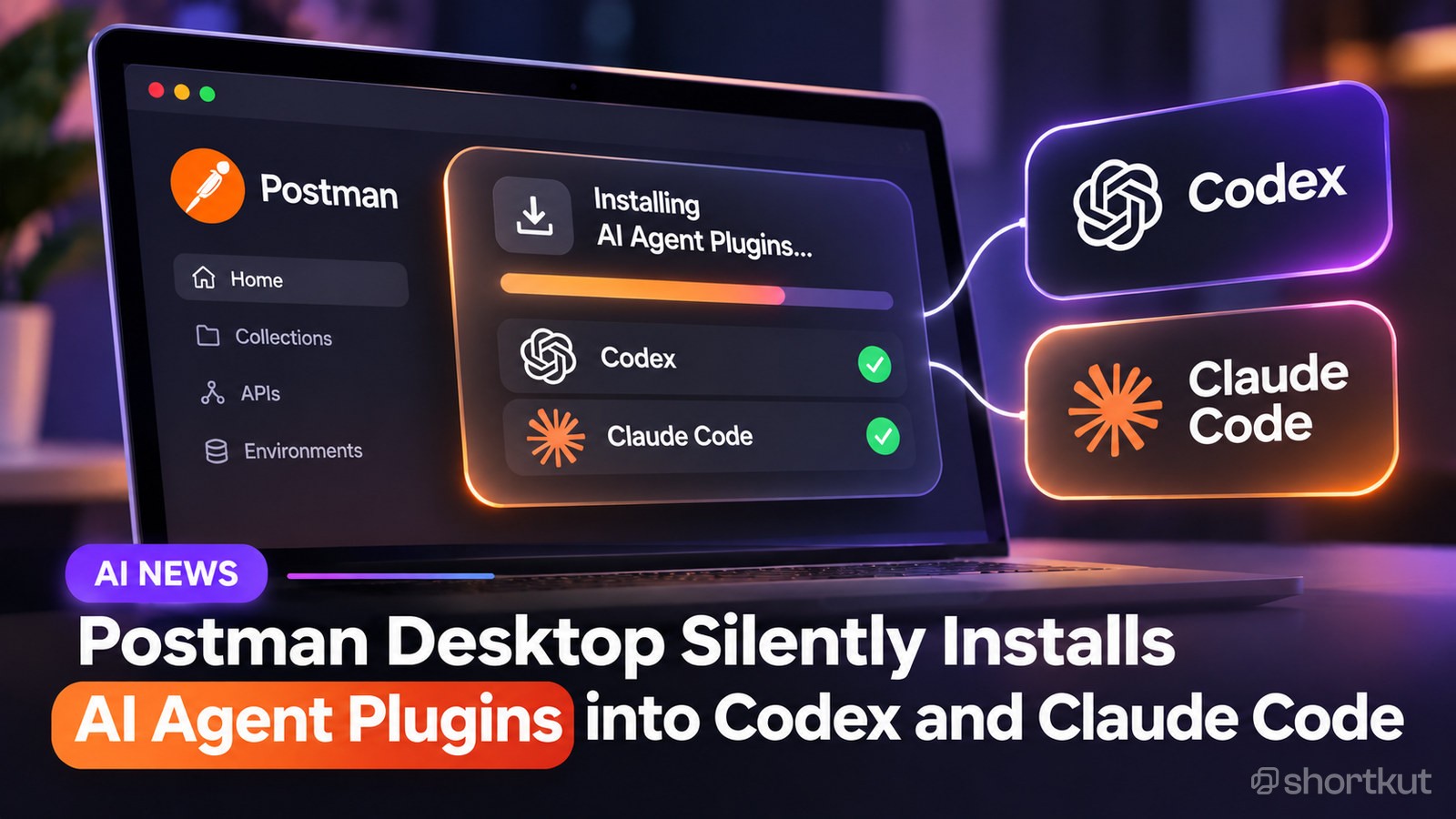
A GitHub bug report revealed that opening Postman desktop version 12.33.4 triggered silent installations of AI plugins for external coding tools. The desktop app modified global user settings for Codex and Claude Code. It also placed a standalone command line tool into local user directories.
The background installer registered startup hooks in Codex configuration files. These instructions told the AI agent to route general API engineering tasks into Postman skills before answering user queries. Additionally, the software added a remote Model Context Protocol connection pointing to Postman servers and attempted to auto approve its own security hook hashes.
Why it matters
For developers and AI creators, background changes to local tool settings create security risks. Unrequested background hooks can redirect your AI workflows or send contextual data to unexpected remote endpoints. Reviewing your AI agent configuration files regularly ensures third party applications do not modify your setup without clear opt in consent.
Try it yourself
Use this prompt to scan your local configuration files for unauthorized background hooks or unwanted agent plugins.
Act as a security auditor. Inspect the configuration file text from [paste configuration file content or path here] and list any background hooks, plugin integrations, or external server connections. Explain what each setting does and provide instructions to safely remove unapproved integrations.


Comments